Posted on

What Is Direct-to-Film Printing?

The Ultimate Guide to Profiting from DTF (Direct-to-Film) Printing

If you’re looking to break into the custom merchandise business, choosing the right printing method is essential. One printing technique that stands out for its vibrant prints, versatility, and durability is Direct-to-Film (DTF) printing. Not only is it capable of producing high-quality designs, but it’s also ideal for a wide range of materials, making it a popular choice for sellers in the custom apparel market.

In this post, we’ll explore what DTF printing is, how it works, and how you can leverage it to make money online.

Key Takeaways:

  • How it works: DTF printing uses heat transfer to apply designs to fabrics and other materials. It requires a DTF printer, PET film, adhesive powder, and a high-resolution design.
  • Quality and durability: DTF prints are long-lasting and vibrant, capable of withstanding frequent washes and wear.
  • Versatility: DTF works on various fabrics like cotton, polyester, blends, and even non-textile surfaces like leather or wood.
  • Merchandising potential: Klothing offers print-on-demand DTF options, making it easy to start your custom t-shirt or product line.

Table of Contents:

  1. What Is Direct-to-Film Printing?
  2. How Does DTF Printing Work?
  3. Pros and Cons of DTF Prints
  4. DTF vs. DTG Printing
  5. DTF vs. Sublimation Printing
  6. DTF vs. Screen Printing
  7. How to Get Started with DTF Printing Through Klothing
  8. FAQs

1. What Is Direct-to-Film Printing?

Direct-to-film (DTF) printing is a digital printing method where designs are printed onto a special PET film, which is then transferred to fabric or other materials using a heat press. The process doesn’t require pre-treatment of fabric, which simplifies production compared to other methods like DTG (Direct-to-Garment).

With DTF printing, you can print on fabrics like:

  • Cotton
  • Polyester
  • Blends
  • Leather
  • Nylon
  • Even non-textile materials such as wood

Because of its precision and color vibrancy, DTF is ideal for intricate designs, offering sellers flexibility in creating a variety of products.

2. How Does DTF Printing Work?

The DTF process involves a few key steps:

  1. Design Creation: Use graphic design software like Photoshop or Illustrator to create a high-resolution image. Export the design as a PNG with a transparent background.
  2. Print Setup: A DTF printer is loaded with specialized inks, including CMYK and white ink for base layers. The design is printed onto a PET film.
  3. Adhesive Application: The freshly printed film is dusted with a hot-melt adhesive powder, which adheres to the wet ink.
  4. Heat Transfer: After curing the powder, the film is applied to the fabric using a heat press. The film is then peeled away, leaving a vibrant, durable design on the product.

3. Pros and Cons of DTF Prints

Pros:

  • Versatile: Works on a wide variety of fabrics and materials.
  • Vibrant Prints: Produces bright, long-lasting designs.
  • No Fabric Pre-Treatment: Saves time compared to DTG.
  • Cost-Effective: Perfect for small to medium print runs with intricate designs.

Cons:

  • Requires Careful Handling: Adhesive powder can be messy.
  • Specialized Materials: DTF requires specific PET film and adhesive, increasing operational costs.
  • Equipment Maintenance: DTF printers need regular maintenance to ensure quality prints.

4. DTF vs. DTG Printing

While DTF prints designs onto a film and transfers them to fabric, DTG (Direct-to-Garment) prints directly onto the fabric. Here’s how they compare:

  • Versatility: DTF works on more fabric types and doesn’t require pre-treatment.
  • Efficiency: DTF is faster for medium to large runs, while DTG is ideal for small batches.
  • Cost: DTG equipment and pre-treatment processes can be more expensive.

5. DTF vs. Sublimation Printing

Sublimation printing is ideal for polyester-based materials, but it’s not suitable for cotton or dark-colored fabrics. DTF, on the other hand, works on a variety of fabric types, making it more versatile for custom products.

6. DTF vs. Screen Printing

Screen printing is more suited for bulk orders due to its cost-efficiency for large runs. DTF, however, excels with intricate designs and smaller batches, offering greater flexibility and quicker setup times.

7. How to Get Started with DTF Printing Through Klothing

You don’t need to invest in expensive equipment to get started with DTF printing. Klothing offers print-on-demand DTF services, allowing you to create custom products without upfront costs. Here’s how:

  1. Choose Your Product: Browse Klothing’s catalog for DTF-compatible products.
  2. Upload Your Design: Use the Product Creator to apply your design.
  3. Start Selling: Once your products are set, you can begin selling through your eCommerce store, with Klothing handling fulfillment.

8. FAQ

Which is better, DTF or sublimation?
DTF is more versatile across fabrics, while sublimation works best for polyester materials and certain hard surfaces.

Does DTF printing last long?
Yes, DTF prints are highly durable and can withstand frequent washing without fading or cracking.

What is a DTF transfer?
A DTF transfer involves printing a design onto PET film, applying adhesive powder, and transferring it onto fabric with heat.


Summary

DTF printing is a game-changer for custom product sellers, offering vibrant, durable designs on a wide range of materials. Whether you’re starting a custom apparel line or expanding your product offerings, DTF printing provides the versatility and quality needed to succeed.

Explore DTF printing with Klothing Canada today and start building your custom merchandise empire!

Posted on

RGB vs CMYK: What’s the Difference

In the world of design and printing, colors play a crucial role. Two of the most common color models are RGB and CMYK, each suited for different purposes. Understanding the difference between these two models is essential for ensuring your design looks great both on-screen and in print. In this article, we’ll break down the key differences between RGB and CMYK and explain when to use each.

What is RGB?

RGB stands for Red, Green, Blue, and it is a color model used for digital screens. It works by combining these three colors in various intensities to create a wide spectrum of colors. The RGB model is based on additive color mixing, meaning that the more colors you add together, the closer you get to white.

How Does RGB Work?

RGB is used in devices like computer monitors, smartphones, and TVs. Each pixel on a screen is made up of red, green, and blue subpixels that light up at varying intensities. The combination of these lights produces the final color you see on the screen.

When to Use RGB?

RGB is ideal for digital media. This includes anything viewed on a screen, such as websites, social media graphics, and online advertisements. If you’re designing something that will stay digital, you should use the RGB color model to ensure the best color reproduction.


What is CMYK?

CMYK stands for Cyan, Magenta, Yellow, and Black. Unlike RGB, which is used for digital displays, CMYK is primarily used for printing. This model is based on subtractive color mixing, where colors are subtracted from white light. The more ink you add, the closer you get to black.

How Does CMYK Work?

In the printing process, the printer applies layers of cyan, magenta, yellow, and black ink to the paper. Each color overlaps to create a full spectrum of colors. Since the inks absorb certain wavelengths of light, the colors you see are the result of the light reflected off the surface.

When to Use CMYK?

CMYK is the go-to color model for printed materials. This includes brochures, business cards, t-shirts, posters, and any other physical item that requires printing. Using CMYK ensures your colors are correctly interpreted by printers, resulting in a more accurate final product.


Key Differences Between RGB and CMYK

1. Color Range

RGB has a broader color gamut than CMYK, meaning it can reproduce more colors. This is because screens can display a greater variety of colors by emitting light, while inks rely on light being reflected. For example, certain bright colors like neon and vibrant blues may be easily visible on a screen (RGB) but difficult to achieve in print (CMYK).

2. Color Mixing

RGB uses additive color mixing, where the three colors (red, green, and blue) combine to form white light. In contrast, CMYK uses subtractive color mixing, where cyan, magenta, yellow, and black ink combine to absorb light and produce various colors.

3. Output Devices

RGB is suited for digital displays, such as phones, TVs, and monitors, while CMYK is designed for physical printing processes, such as offset and digital printing. Your choice of color model depends on whether your design will be viewed on a screen or printed on paper or fabric.

4. Brightness

RGB images tend to appear brighter and more vibrant due to the light emitted by screens. However, once an RGB design is converted to CMYK for printing, some colors may appear duller or less intense.


When to Use RGB vs. CMYK

Understanding when to use RGB or CMYK is essential for producing the best results in your projects. Here’s a quick guide:

  • Use RGB for designs that will be viewed on a screen: websites, social media posts, digital advertisements, and presentations.
  • Use CMYK for designs that will be printed: flyers, t-shirts, banners, business cards, and packaging.

It’s important to choose the right color model from the start of your design process. Designing in RGB for a print project can lead to unexpected color shifts when converting to CMYK.


Converting RGB to CMYK and Vice Versa

If you’re working on a design intended for both digital and print, you’ll need to convert between RGB and CMYK at some point. This can be done in design software like Adobe Photoshop or Illustrator.

How to Convert RGB to CMYK in Photoshop:

  1. Open your image in Photoshop.
  2. Go to Image > Mode and select CMYK Color.
  3. You may notice that some colors look duller—this is because of the limited CMYK color gamut.
  4. Adjust the colors manually if needed to restore vibrancy.

Why Colors Change During Conversion:

When you convert an image from RGB to CMYK, some colors may lose brightness or shift slightly. This is due to the differences in color gamuts. The vibrant colors of RGB may not be fully achievable in CMYK, so it’s important to review your design before sending it to print.


Common Misconceptions about RGB and CMYK

1. RGB Files Won’t Print Correctly

While RGB images can be printed, it’s not recommended. Printers use CMYK inks, so printing an RGB file can result in inaccurate colors. Always convert to CMYK for the best print quality.

2. CMYK is Outdated

Some people think CMYK is an old model that’s been replaced by more advanced techniques. In reality, CMYK remains the standard for printing due to its efficiency and versatility.

3. All Printers Automatically Convert RGB to CMYK

While some printers can handle RGB to CMYK conversion, it’s better to manually convert your design to CMYK to ensure you control how the colors shift, preventing unpleasant surprises.


Advanced Tips for Color Management

To ensure accurate color reproduction across both RGB and CMYK projects, consider using color profiles like sRGB or Adobe RGB for digital work and ISO Coated for print. These profiles help standardize color display and printing, ensuring consistent results.

Additionally, using a calibrated monitor can help you better judge how your colors will look in print or on other screens.


Frequently Asked Questions (FAQs)

Can You Print in RGB?

Technically, yes, but it’s not advisable. Printers are designed to use CMYK inks, so printing an RGB file may result in color discrepancies.

Why Do Colors Look Different in Print than On-Screen?

Colors may appear different in print because RGB screens emit light, while CMYK inks reflect light. This leads to variances in brightness and vibrancy.

Which is Better: RGB or CMYK?

Neither is “better”—each serves a specific purpose. Use RGB for digital designs and CMYK for printed materials.

Understanding the difference between RGB and CMYK is crucial for creating designs that look great on any medium. While RGB excels in the digital space, CMYK is the gold standard for print. By using the appropriate color model and keeping in mind the limitations of each, you can ensure your designs are visually striking no matter how they’re displayed.

Posted on

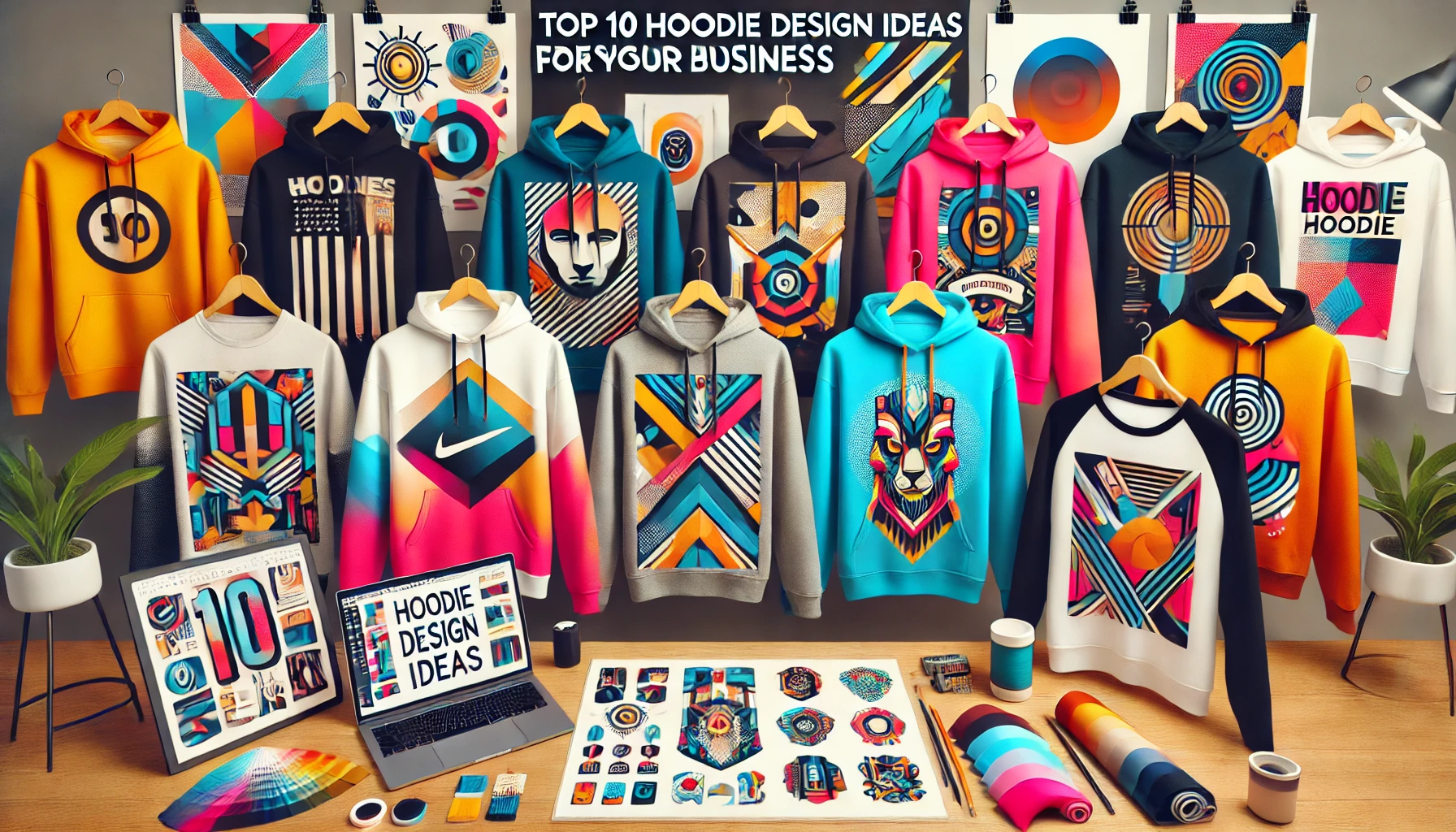
10 Best Hoodie Design Ideas for Your Business

10 best hoodies designs

Hoodies are not just comfortable and practical, but they also serve as great promotional tools for businesses. Here are ten design ideas to inspire your next project:

  1. Minimalist Logos
    Clean and simple logos keep the design stylish while promoting your brand.
  2. Bold Colors
    Vibrant hues catch the eye and can make your design pop, especially on a hoodie.
  3. Geometric Patterns
    A modern, symmetrical design offers a futuristic feel, perfect for tech or fashion brands.
  4. Sports-Inspired
    Add elements like team colors or mascots to resonate with athletic audiences.
  5. Retro Vibes
    Tap into nostalgia with vintage logos and typography, which are always trendy.
  6. Pop Culture References
    Incorporate famous quotes or imagery from popular shows and music.
  7. Inspirational Quotes
    Simple, uplifting messages work well for wellness brands and influencers.
  8. Eco-Friendly Designs
    Reflect sustainability with eco-friendly materials and earthy designs.
  9. Abstract Art
    Add an artistic touch to your hoodies with vibrant, abstract elements.
  10. Embroidery
    Elevate your hoodie with embroidered text or designs for a premium feel.

At Klothing, we offer a variety of customization options so you can bring these designs to life. You can design and sell your unique hoodies with ease, whether you’re running a business or launching a personal brand. Start designing with Klothing‘s free tools today!

Posted on

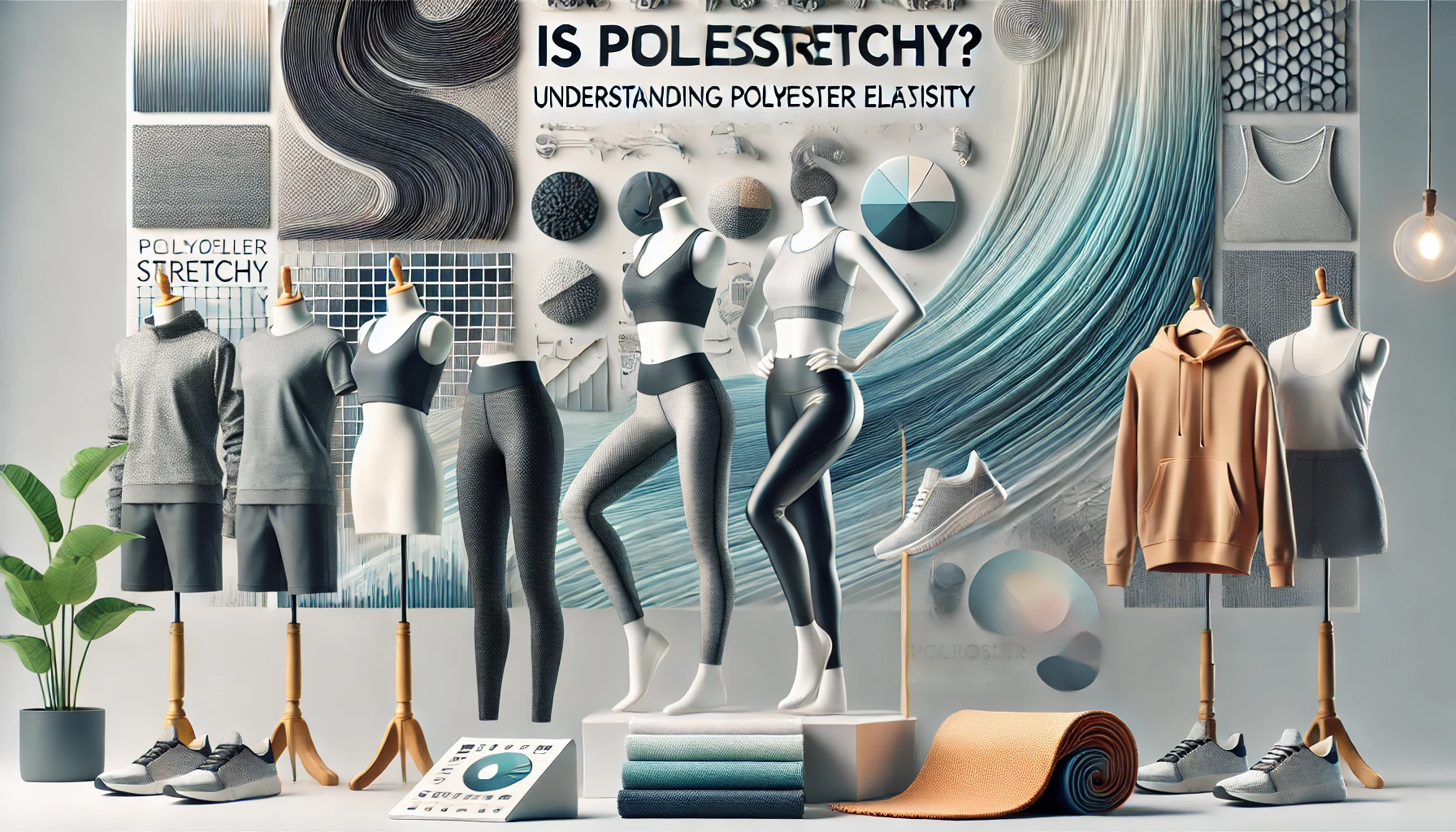
Is Polyester Stretchy? Understanding the Elasticity of Polyester

Polyester is a popular fabric used in many types of apparel, including activewear, outdoor gear, and everyday clothing. But how stretchy is it?

100% polyester on its own is not particularly stretchy. However, when blended with materials like spandex or elastane, polyester can become very stretchy and more comfortable. These blends are often found in leggings, sports jerseys, and other activewear. Polyester is also durable, wrinkle-resistant, and quick-drying, making it a great choice for many different types of clothing.

Why choose polyester?

Polyester’s elasticity comes down to its blend and weave. If flexibility is important for your design, you’ll want to choose polyester blended with elastic fibers. On the other hand, if durability and structure are your priorities, Klothing offers pure polyester options that are resistant to wear and tear.

Polyester clothing retains its shape even after many washes, making it a reliable choice for both casual and athletic wear. Understanding the fabric’s properties can help you select the right material for your designs.

Posted on

Are Cotton T-shirts Appropriate for All-over-Print

The Rise of All-Over Print Cotton T-Shirts

All-over print cotton T-shirts have gained popularity for their bold designs and vibrant colors. However, it’s common to see only a few print-on-demand suppliers offering these T-shirts. Before you buy one, it’s important to know if an all-over print cotton T-shirt suits your needs.


What is an All-Over Print Cotton T-Shirt?

An all-over print cotton T-shirt features a design that covers the entire surface of the shirt. It’s favored for its comfort, breathability, and durability.

These T-shirts come in various styles, colors, and designs, ranging from images and logos to slogans or abstract motifs. They can be customized to reflect personal preferences or promote a brand.


Pros and Cons of Cotton T-Shirts

Cotton T-Shirts are popular for good reasons, but they come with their own set of advantages and disadvantages.

Pros:

  • Soft & Breathable: Cotton allows air to circulate, making it feel light and comfortable on the skin.
  • Durable: Cotton is known for its longevity. The fabric holds its shape even after repeated washes and wears, and is less likely to pill or fray.
  • Moisture-Wicking: Cotton absorbs moisture without becoming heavy. This makes it ideal for outdoor activities and workouts as it keeps you dry.
  • Hypoallergenic: Being a natural fiber, cotton is free from chemicals or synthetic additives, making it less likely to cause skin irritation or allergies.

Cons:

  • Shrinks Easily: Cotton shrinks when exposed to heat or moisture. To avoid this, wash cotton T-shirts in cold water and dry them on low heat or air dry.
  • Wrinkles: Cotton tends to wrinkle easily. While ironing or steaming can remove wrinkles, it may damage the print.
  • Stains: Cotton absorbs liquids easily, which can lead to stains from sweat, oil, or food. These can be difficult to remove and may discolor the fabric.
  • Print Fading: Repeated washing and sun exposure can cause printed designs to fade or crack over time. To minimize this, wash inside out and avoid direct sunlight when drying.

Are Cotton T-Shirts Suitable for All-Over Printing?

While cotton T-shirts can accommodate all-over printing, the quality of the final product depends on several factors:

1. Printing Technology:

  • Screen Printing: Effective but time-consuming and less suited for intricate designs with multiple colors.
  • Digital Printing: Ideal for detailed, colorful designs. It produces high-quality results by directly applying ink to the fabric.
  • Dye Sublimation: Not suitable for cotton, as it requires at least 65% polyester. While sublimation transfer papers exist for cotton, the results are often disappointing. Most print-on-demand suppliers use sublimation printing, which is why cotton T-shirts are less commonly available.

2. Fabric Thickness & Texture:

  • Thickness: Thicker cotton absorbs more ink, potentially affecting the design’s clarity and vibrancy.
  • Texture: Rough or textured fabrics may result in less sharp prints. A smoother surface leads to better, more defined prints.
  • Stretch: Cotton fabrics with stretch may shift during printing, leading to distorted designs.
  • Drape: Thicker fabrics may not drape well, making the print appear less flattering when worn.

Conclusion

All-over printing on cotton T-shirts is possible, but the final outcome depends on the printing technique and fabric properties. If you’re interested in all-over print cotton T-shirts, feel free to contact Klothing customer service. If you can’t find what you’re looking for on the product page, you can submit a custom product request.

Posted on

5 most expensive brands that are on sale now

Woman wearing Gucci joggers

5 most expensive brands that are on sale now

When it comes to t-shirts, being stylish and unique is the name of the game! Every top brand has its own special something that helps them stand out from the rest. Whether it be their high-quality materials, excellent craftsmanship, or stunning designs, there's no doubt that these t-shirt brands offer the best in style, elegance, and class.

Sometimes you just can't break the bank and we get it! That's why we put together the 5 brands that are literally giving away their swag for almost no cost! Check out our most expensive brand collective below.

Woman wearing Gucci joggers
Photo by Pexels | Woman wearing Gucci joggers

âš¡ Free shipping and discounted Amazon links provided on mathcing family holiday pajamas.

Show off your style and flaunt the latest looks with these fancy t-shirt brands. From Louis Vuitton to Guess, Dior, and Versace, you'll be spoilt for choice with these high-end, trendy t-shirts!

âš¡ Free shipping and discounted Amazon links available below. Delivered in 24-hours. Check out before time runs out.

What others are reading...